
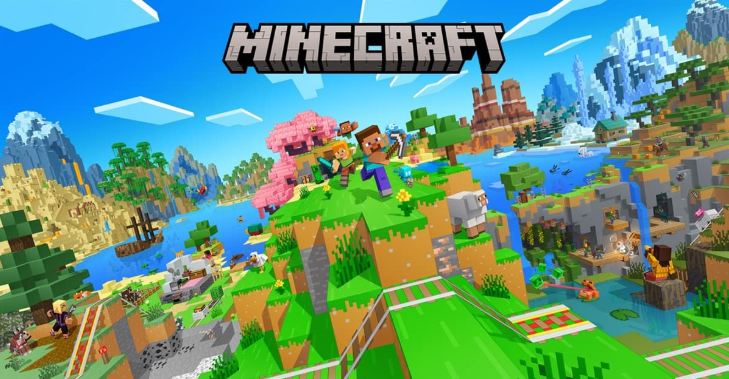
What to expect
Minecraft Classic lets you experience the pure, original creative sandbox directly inside your web browser. Place 32 distinct retro block varieties, sculpt mountains, and construct elaborate castles.
Before pressing Play
Click directly on the game canvas to lock your mouse cursor for seamless 360-degree first-person camera movement. Press Escape anytime to release the cursor.
Understand the controls
WASD to walk, Space to jump, Left Click to mine/destroy blocks, Right Click to place blocks. Press B to open the block selection palette and R to respawn at origin.
Pro Tips & High Score Strategies
- Strategy: Hold Shift while walking near edges to avoid accidentally falling off tall construction scaffolds.
- Strategy: Use colored wool blocks to sketch out floor plans before filling walls with stone and wood.
- Strategy: Share your world link with friends to collaborate on massive structures in real-time.
Browser Optimization & Troubleshooting
If mouse sensitivity feels too fast, adjust the camera sensitivity slider in the game options menu.
Frequently Asked Questions (FAQ)
Does Minecraft Classic require Java installed?
No Java installation or download is needed; it runs natively through WebAssembly and WebGL in modern browsers.