
What to expect
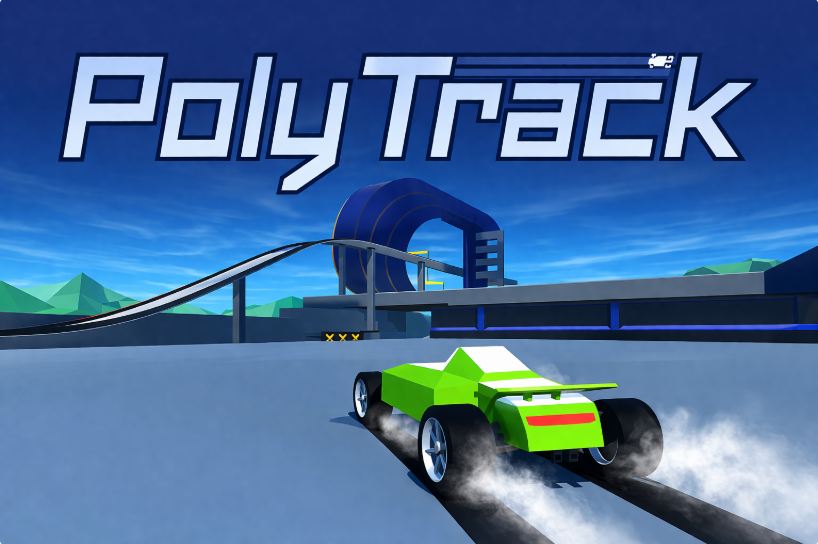
PolyTrack is an adrenaline-fueled low-poly stunt racing game featuring fluid physics, loop-de-loops, massive airborne jumps, and a comprehensive built-in track editor.
Before pressing Play
Familiarize yourself with the reset key (R) so you can instantaneously restart time-trial runs whenever you botch a corner entry.
Understand the controls
WASD or Arrow keys to accelerate, steer, and reverse. Hold Spacebar or Shift to initiate clean drift slides around hairpins. Press R to restart current track.
Pro Tips & High Score Strategies
- Strategy: Initiate your drift slightly before entering corner apexes to maintain maximum straight-line exit velocity.
- Strategy: Keep your car level during big airborne jumps using subtle in-air tilt controls to ensure smooth four-wheel landings.
- Strategy: Study ghost replays of leaderboard leaders to uncover faster racing lines and hidden track shortcuts.
Browser Optimization & Troubleshooting
If camera stutter occurs on complex user-made tracks, toggle graphic quality in settings to match your GPU.
Frequently Asked Questions (FAQ)
Can I export and share custom tracks?
Yes, the PolyTrack editor generates concise track codes you can copy and share with friends directly.